 on the QuickFit, the Volume Control/Gain, or the Features screens.
Feedback Canceller is the best in class algorithm for effectively eliminating feedback in a hearing aid. The Feedback Canceller initialization can be accessed by clicking the Feedback Canceller icon on the QuickFit, the Volume Control/Gain, or the Features screens.
Once the Feedback Canceller icon is selected, the following window appears:
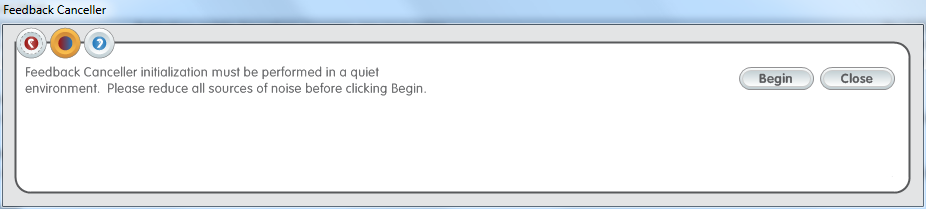
Click the Begin button on the pop-up window. The icons on the top left corner of the pop-up window indicate which ear will be initialized. It will default to the middle icon  , binaural measurement, for binaural fittings. You may, however, choose to do the right ear only
  or left ear only
  by clicking the appropriate icons. The patient will hear moderately loud white noise signals in their ear and should remain quiet throughout the duration of the measurement. Once the measurement is complete, the following message will appear:
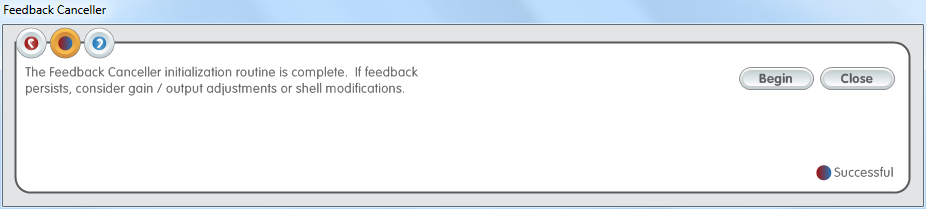
The screen above displays the Initialization view. Notice that the software provides a visual indication in the bottom right hand corner of the pop-up window. It will indicate Successful when the measurement is complete.