Self Check
Clicking on Self Check in the navigational
bar will display the Self Check portion of the data log (for select older
products only).
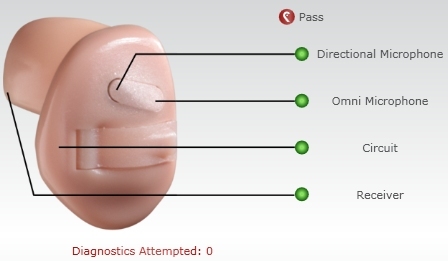
Information displayed in this view includes:
- Number of Self Check diagnostics attempted
- Status of Self Checks on the different components
of the hearing aid. The components include:
- Circuit
- Receiver
- Omni Microphone
- Directional Microphone (on select products
only)
- The result of the Self Check measurement is indicated
by a small black triangle below the status bar. The status bar has
three different colors representing the results: red,
yellow and
green.

- Red
= FAIL status and repair is recommended
- Yellow
= Check for debris and re-run diagnostic
- Green
= PASS status and that the aid is performing to baseline
- For some products, a graphic of the aid will be
displayed with the status of the Self Check for each component.